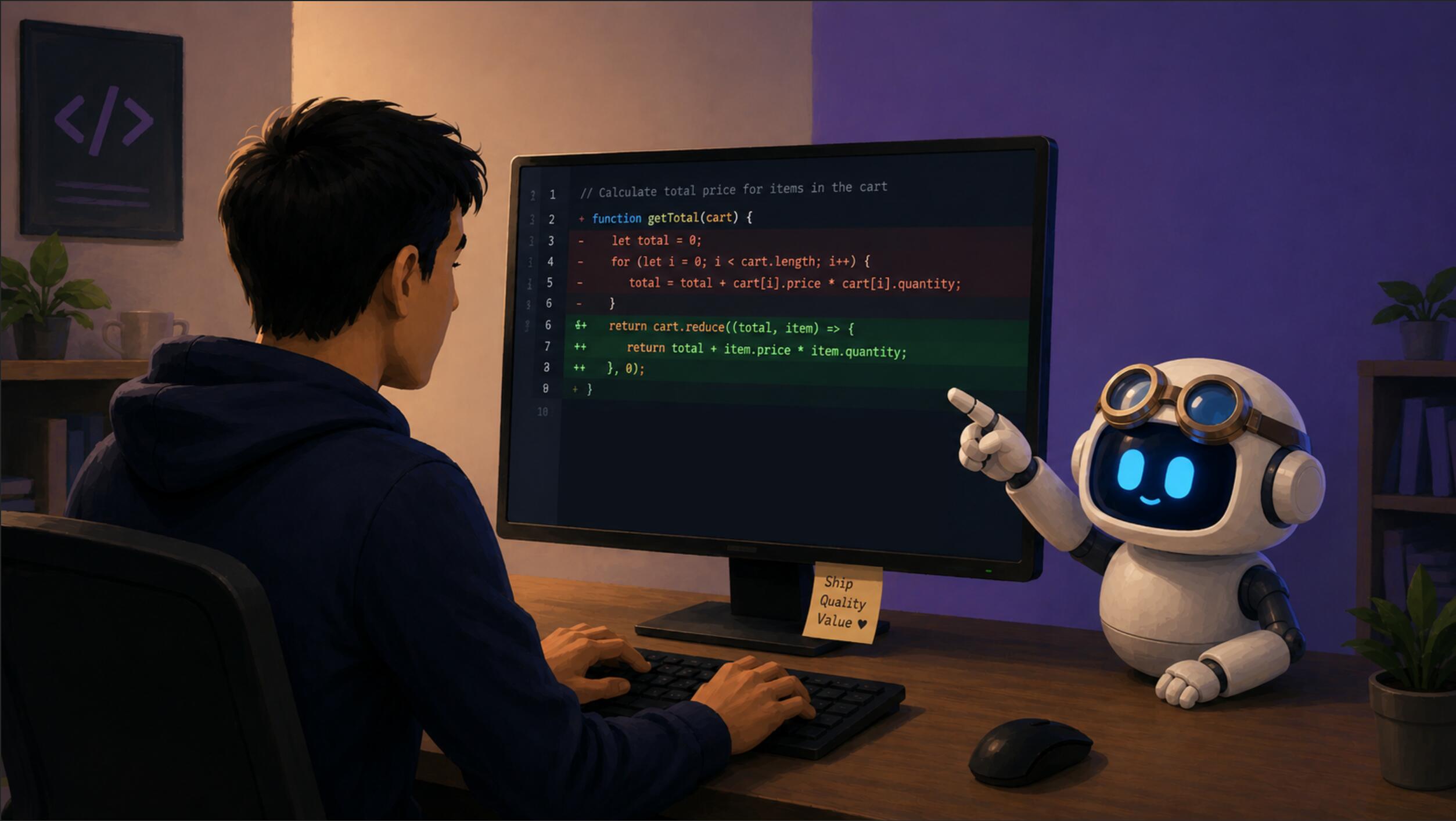
Code review is one of the most important activities in software development. At the same time, however, it requires time and focus, and with larger changes, it can easily slide into simply skimming the modifications and reviewing only the most glaring issues. This is precisely where AI can be of significant help. Not as a human replacement, but as a layer that quickly goes through the diff, extracts and highlights risks, and can find even tricky bugs that a human might easily overlook. The result is then a higher-quality code review that can uncover more bugs, with the added bonus of faster feedback tailored to your exact requirements.
In practice, the most interesting part is that the review does not run over the entire repository, but over a precisely defined patch file. This allows the model to focus on the actual change, without the surrounding noise, while still allowing the AI agent to use search tools and fetch related parts of the code into the context. The workflow is simple: in Visual Studio with GitHub Copilot, you prepare a prompt that must be run in agent mode, passing it the instruction to use the code review skill:
---
description: start code review process
agent: agent
---
Do the code review following instructions in code-review skill.
By doing this, you save yourself from writing out this prompt, you don't have to remember its exact phrasing or the name of the skill, and in the development environment, you just trigger the prompt (e.g., in Visual Studio, "/" will offer you your prompts), wait a moment, and you already get the code review result.
Inside the code-review skill, you define the entire workflow of how the code review should take place. For greater consistency, I prepared a simple PowerShell script with which the AI agent extracts the diff between the current branch and the branch you usually merge into:
param(
    [string]$Branch = (git rev-parse --abbrev-ref HEAD),
    [string]$TargetBranch = "origin/dev",
)
$patchFile = Join-Path $PSScriptRoot "mr_review.patch"
git diff "$TargetBranch...$Branch" | Out-File -FilePath $patchFile -Encoding utf8
# Output path for Agent
Write-Output $patchFile
The script creates a patch file containing all the changes against the target branch and returns its path. This path is subsequently used by the AI agent in the next step of the review. The skill file can look like this, for example:
---
name: code-review
description: Generate a diff of the current branch against trunk and perform a thorough code review. Use when reviewing PRs and doing code review.
---
# CodeReview Skill
## What this does
Generates a git diff between the current feature branch and `origin/trunk`, then performs a code review on the resulting patch file.
## Steps
1. **Generate the diff** - Run the following command in the terminal from the current repository root (e.g. `C:\YourRepoName`):
powershell -ExecutionPolicy Bypass -File .github/GetDiff.ps1
If user want to do code review against different target branch use parameter -TargetBranch "targetBranchName" (e.g. for target branch origin/dev/123 use -> powershell -ExecutionPolicy Bypass -File .github/GetDiff.ps1 -AgentMode -TargetBranch "origin/dev/123")
targetBranchName must always start with "origin/"
The script outputs the absolute path to the generated `.patch` file.
2. **Read the patch file** - Open and read the patch file path returned by the script (`.github/mr_review.patch`).
3. **Perform the code review** - Review the diff contents following **Code Review Instructions**
## Code Review Instructions
Do the codereview of attached file mr_review.patch file. Keep the review concise but thorough. Every claim should be backed by evidence from the code.
(In this section, you can define your own review rules. Typically, this involves checking security, performance, resource handling, API contracts, changes to application behavior, or internal coding guidelines.)
Step 1 ensures the creation of a diff between the current and the target branch (optionally, you can append information to the prompt that the check should run against a different branch).
Step 2 ensures that the AI will base its review precisely on this diff.
Step 3 and the Code Review Instructions determine the method of evaluating the changes and the format of the resulting review.
Thanks to a SKILL file defined in this way, you get a customizable code review over which you have a high degree of control, and you will receive relatively consistent results from the AI for the same model.
Moreover, it is easy to change the target branch, for instance, when the review is not running against origin/dev but against another branch. You just need to add something like TargetBranch "targetBranchName" to the prompt.
It is important to keep in mind that the whole process remains under the developer's control. AI is not an "autonomous reviewer" here, but a very fast assistant. It can point out weak spots and suggest specific points for verification, but, of course, it also makes mistakes from time to time.
From practical experience, this approach has proven to be a very useful addition to a traditional code review. It does not replace an experienced reviewer, but it helps to quickly identify risky areas, shorten the review time, and increase the probability of catching bugs before they are delivered to the main branch.