How to Prepare and Investigate Data with VS Code Editor
10.7.2022Jan Zatloukal
For me, VS Code is like a Swiss Army Knife - besides writing source code, I use it for countless other things.
Simultaneous editing in multiple places
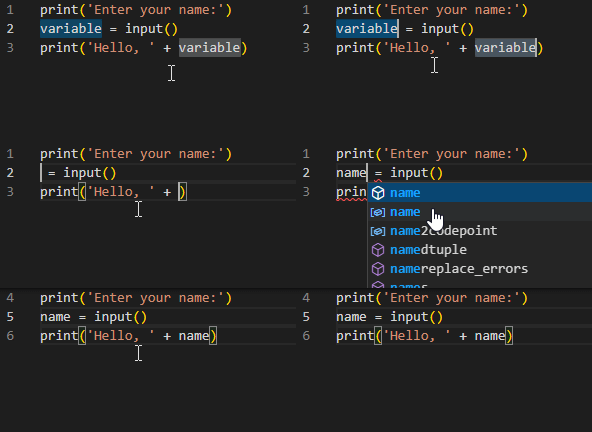
VSCode offers a lot of possibilities to work with text. This is a feature I really use on a daily basis multikurzory - Being able to select text in multiple places, and bulk edit it, saves a lot of time.
All editing options can be found in the official documentation Basic Editing in Visual Studio Code. I think after exploring, you'll discover a lot of things you didn't even know were possible.
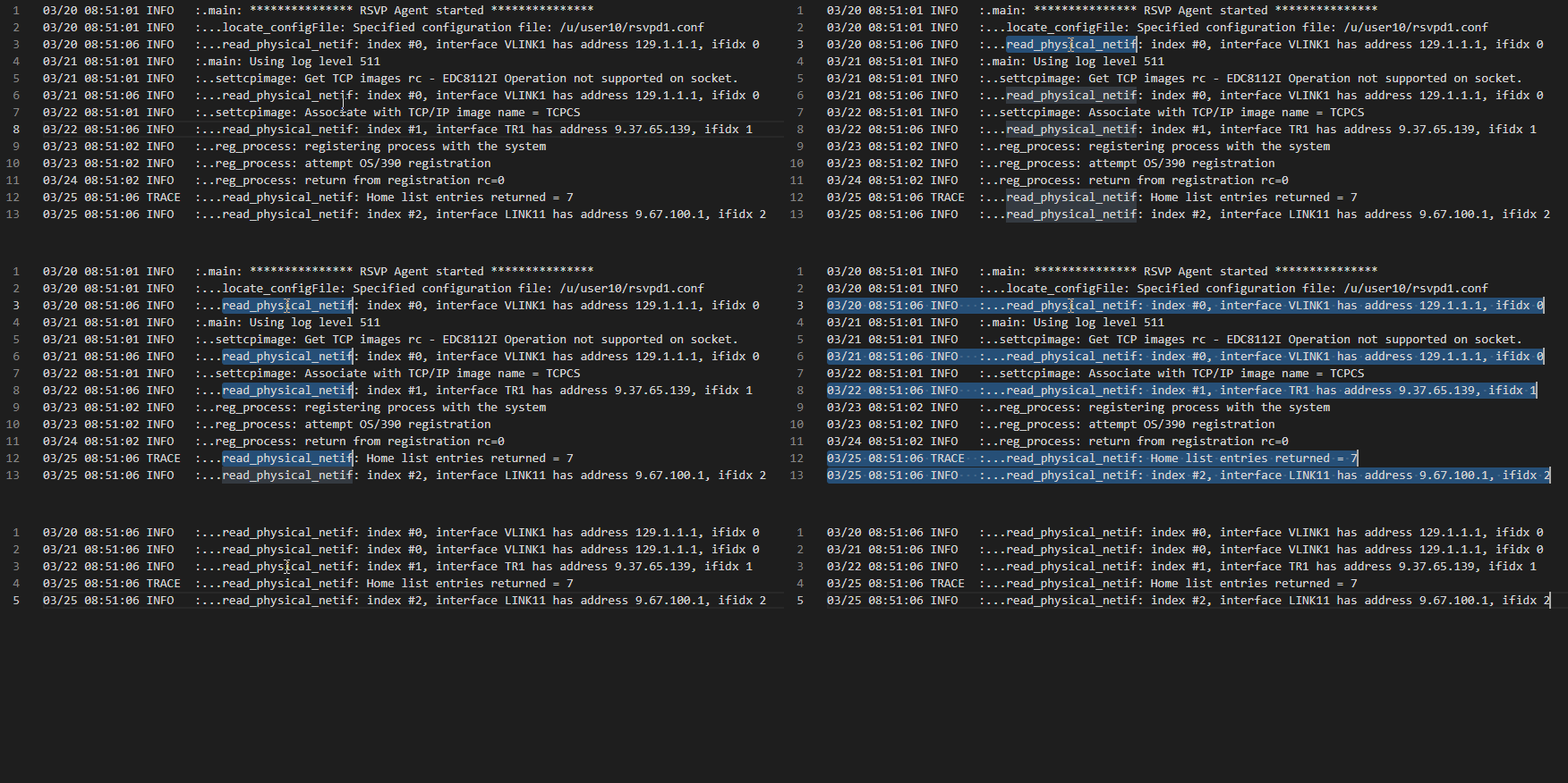
For example, do you want to filter the log to only the lines with an error? With VS Code this is no problem and you don't need any additional tool:
Extension for work with text
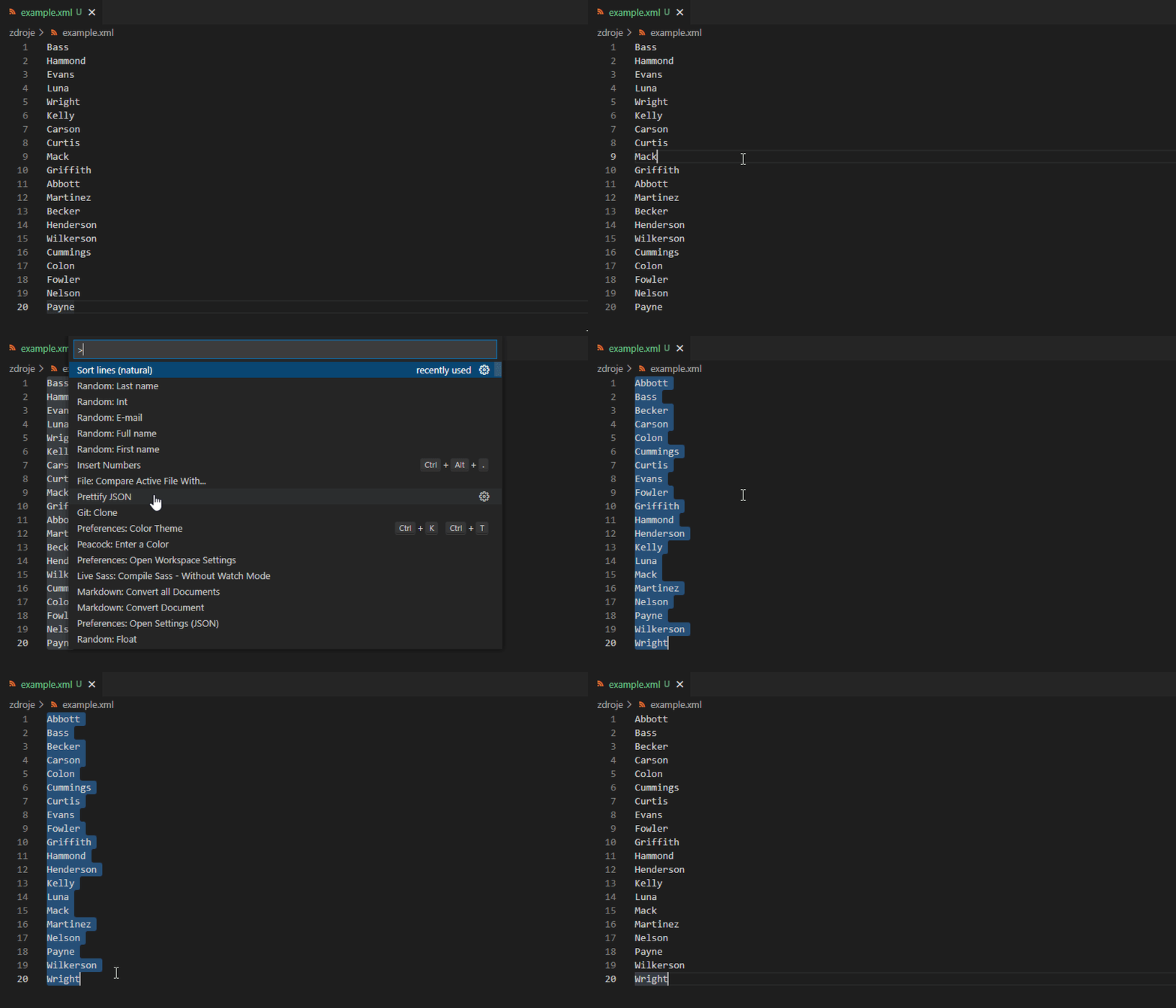
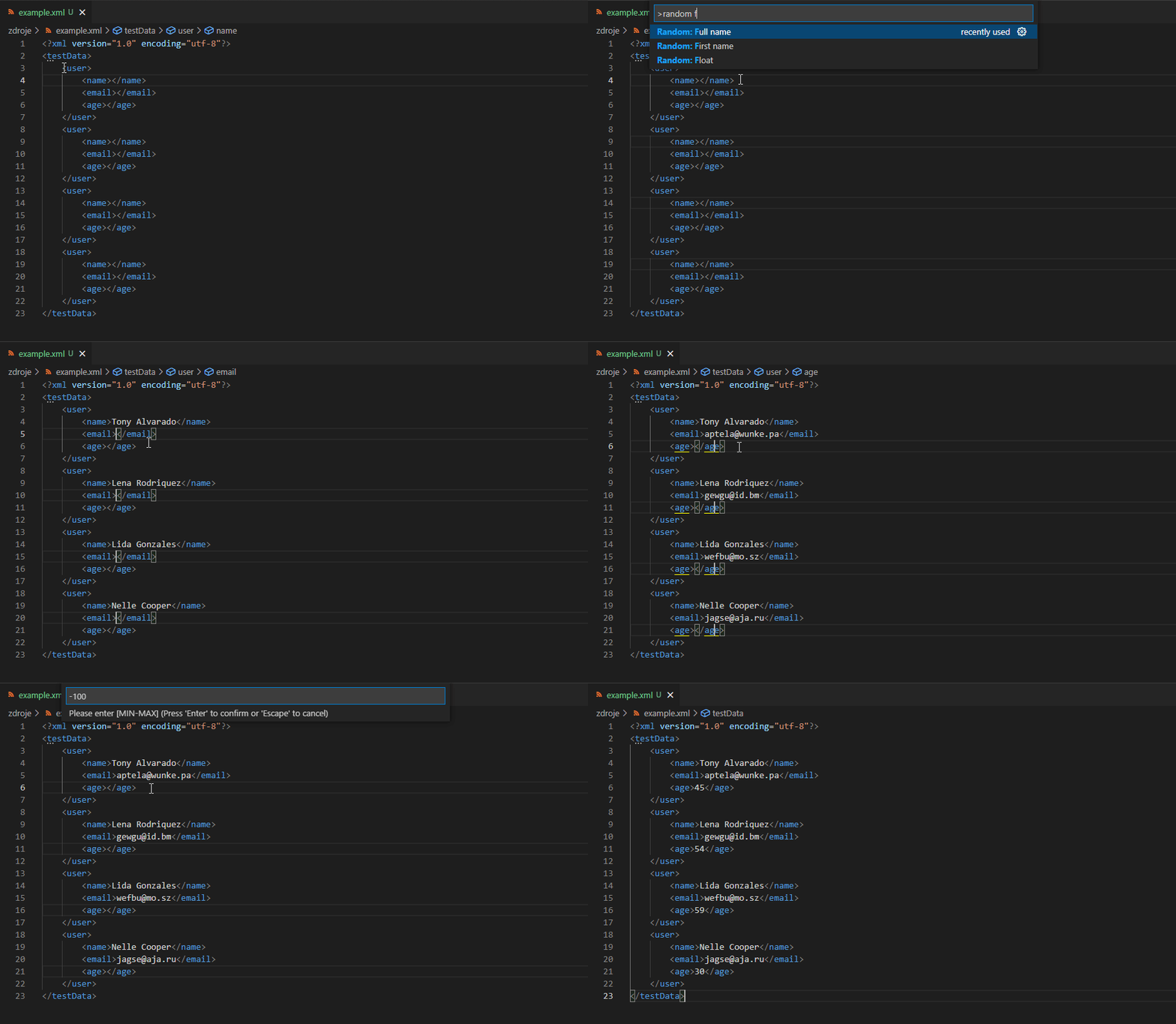
Thanks to extensions You can extend your VS Code with a variety of features. I often use the editor to prepare test data.
Incrementor
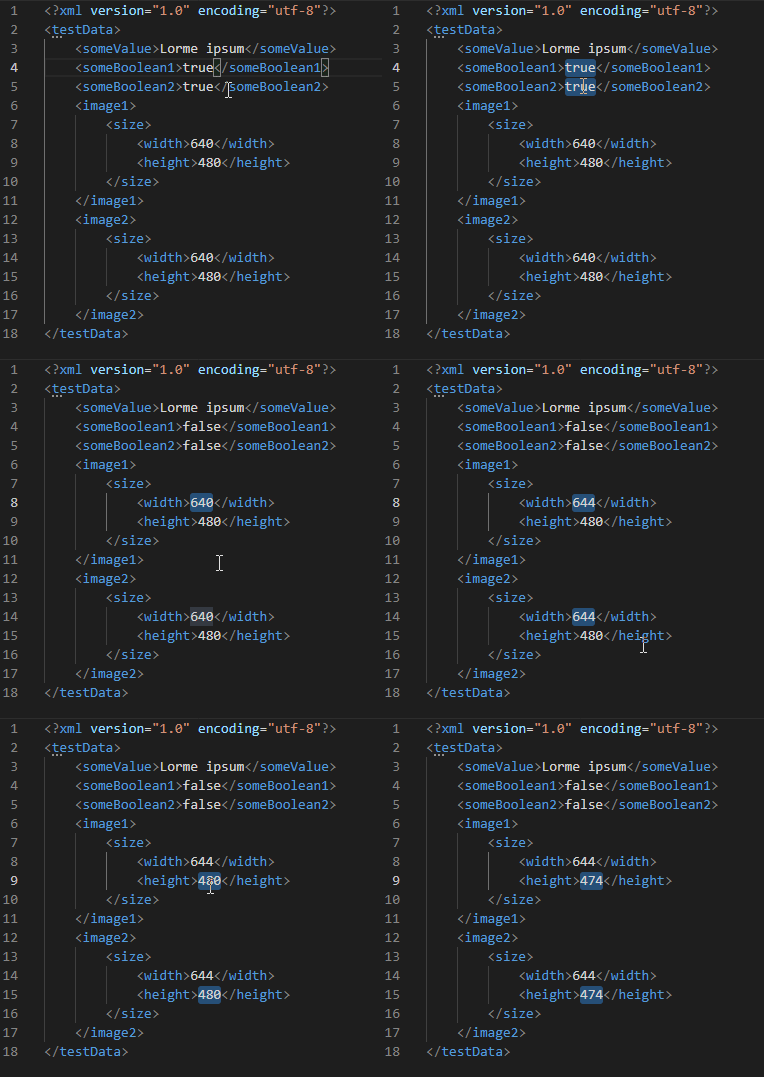
Incrementor allows you to increase or decrease the value of selected text - numbers or boolean values:
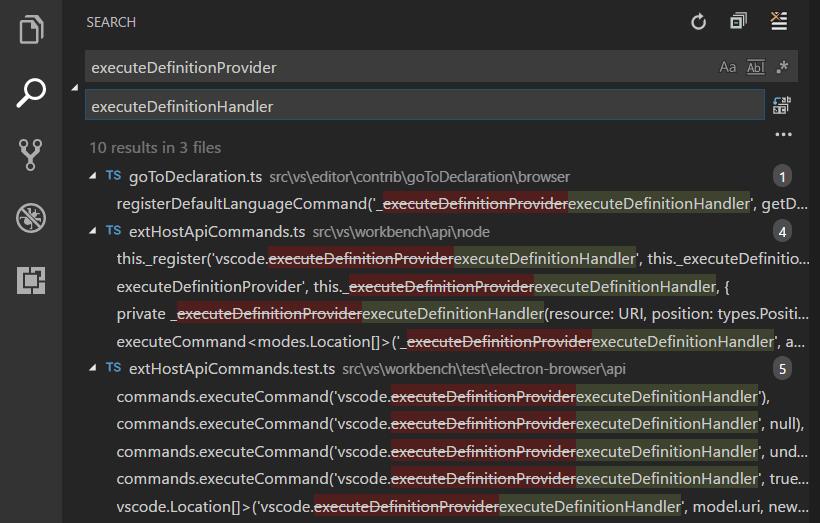
VS Code umí samozřejmě také prohledávat textové soubory a nahrazovat hledaný _string _jiným. Toto lze jak v rámci právě otevřeného souboru, tak v rámci celého projektu (složky). Toto využívám především při analýze většího počtu logů. Například když potřebuju najít všechny soubory s konkrétní chybou nebo IP adresou.
Samozřejmostí je možnost používat při hledání regulární výrazy.
Sledování logů
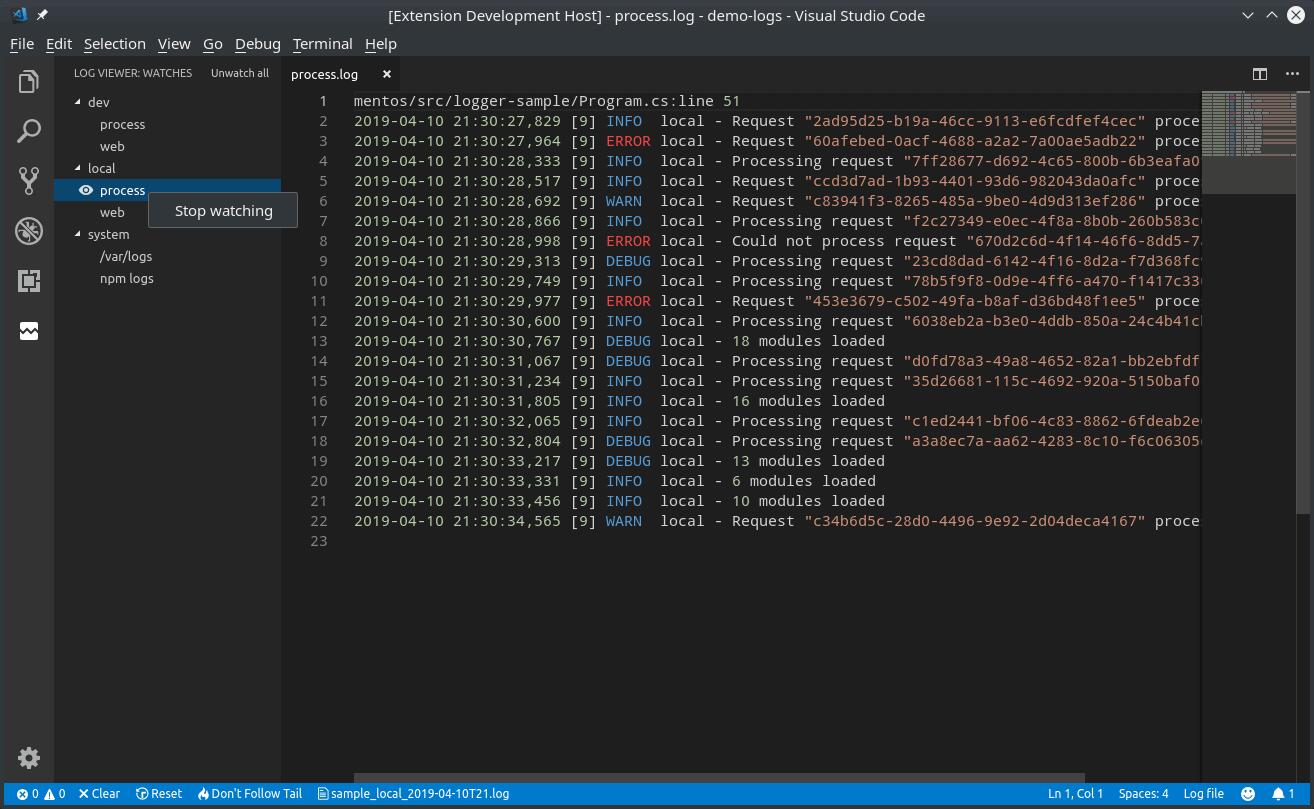
Pokud často sledujete logy, budou se vám hodit rovnou dvě rozšíření. Log File Highlighter obarví logy tak, aby byly přehlednější a pomocí Log Viewer-u můžete logy sledovat "naživo" pomocí funkce watch.
Outline - struktura dokumentu
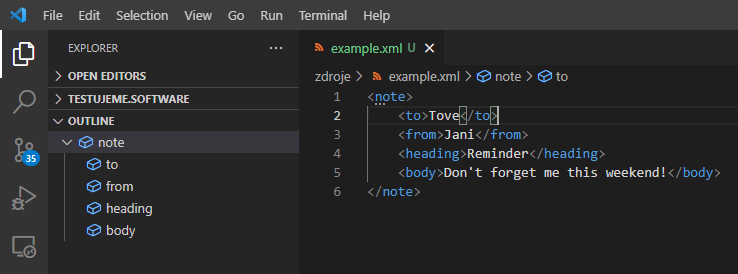
V levém sloupci editoru nejdete sekci "Outline", ta umožňuje leší orientaci především ve velkých souborech. Dostupná je pro zdrojové kódy, XML, HTML, JSON soubory, apod.
Share article
Author
Jan ZatloukalQA & Cybersecurity Technical Lead dedicated to process automation and the development of mature corporate standards. Previously focused on automating electron microscopes, I now specialize in cybersecurity and the integration of development processes.
Get the latest updates from the world of Edhouse – news, events, and current software and hardware trends.
Thank you for your interest in subscribing to our newsletter! To complete your registration you need to confirm your subscription. We have just sent you a confirmation link to the email address you provided. Please click on this link to complete your registration. If you do not find the email, please check your spam or "Promotions" folder.